
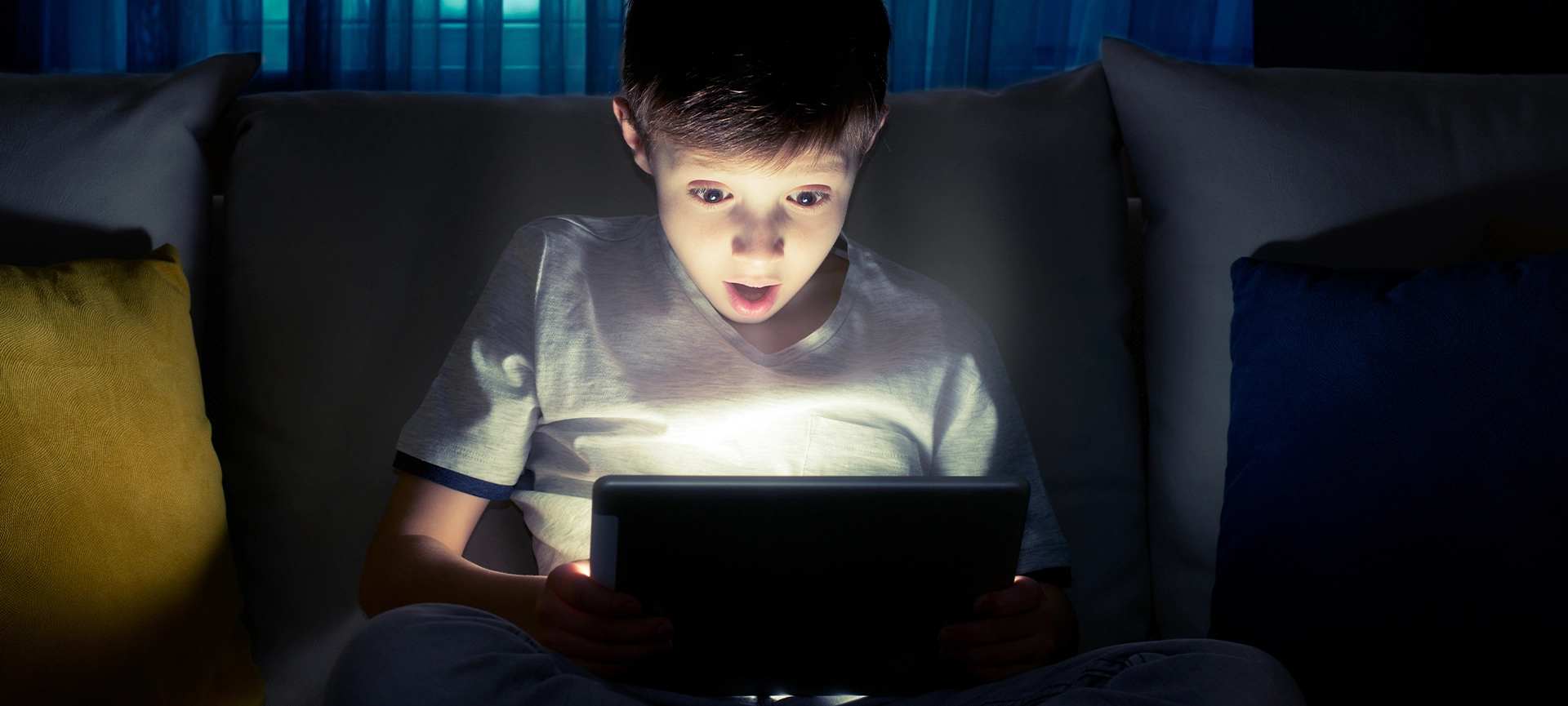
A growing number of us spend hours each day in front of screens. Whether for work, study or leisure, prolonged use can lead to discomfort, headaches and even blurred vision.
Have you tried going to an optometric centre and getting an eye check-up? If you haven’t thought about it, you can heed the tips to care for your eyes and later seek professional help for a better understanding of your situation.
Read further to understand why digital eye strain happens and share clear, easy-to-apply tips to keep your eyes feeling fresh and healthy.
Related Article: The Role of Optometry in Maintaining Healthy Vision: Eye Exams and Vision Care
Understanding Digital Eye Strain
Digital eye strain occurs when your eyes work harder than usual to focus on screens. Text and graphics often lack the sharp contrast of printed material, forcing your eye muscles to tense. Glare, small text and poor lighting add to the effort. Over time, this extra work can cause soreness, watery eyes and fatigue.
Symptoms of digital eye strain include:
- Irritated or dry eyes
- Headaches around the temples or brow
- Blurred or double vision
- Neck and shoulder tension
- Sensitivity to light
Optimizing Screen Settings
Adjusting display parameters can reduce the effort your eyes make. A few simple tweaks go a long way.
Start by tuning these settings:
- Brightness: Match screen brightness to ambient lighting. Avoid a glaring white page in a dark room or a dim display in bright light.
- Contrast: Increase contrast so text stands out clearly against the background. Higher contrast reduces muscle strain.
- Text size and font: Choose a clean, sans-serif font at a comfortable size—ideally at least 12 points for desktop work.
- Colour temperature: Many devices offer a ‘warm’ mode that shifts blue light toward yellow. This change can ease evening use.
Experiment with combinations until reading feels relaxed. Most modern operating systems include built-in tools or free apps for easy adjustment.
Related Article: How to Choose the Right Optometrist for Your Child in Toronto
Scheduling Breaks and Eye Exercises
Even with perfect settings, continuous focus causes fatigue. Giving your eyes a chance to rest prevents strain from building up.
Try the 20-20-20 rule: every 20 minutes, look at an object 20 feet away for at least 20 seconds. This pause lets your ciliary muscles relax. For added benefit, perform these simple exercises during each break:
- Blink consciously: Blink fully 10 times to refresh the tear film and prevent drying.
- Palming: Rub your palms together, cup them over your closed eyes for 10 seconds and inhale deeply.
- Eye rolls: Slowly circle your eyes clockwise five times, then counter-clockwise five times.
Set a timer or install a reminder app to prompt you. Over time, eye breaks become second nature.

Improving Lighting and Workspace
Your surroundings play a key role in eye comfort. Poor lighting and glare force your eyes to over-adapt.
Follow these guidelines:
- Use diffuse lighting: Position a lamp behind your monitor to wash the workspace in gentle, even light.
- Control natural light: Angle your screen perpendicular to windows to cut direct glare. Use blinds or sheer curtains to soften sunlight.
- Anti-glare filters: Apply a matte filter on your screen to reduce reflections without dimming the display too much.
- Ergonomic setup: Keep your screen about arm’s length away and slightly below eye level to minimize upward gaze and neck strain.
Small changes in light direction and intensity often result in immediate relief.
Related Article: 5 Most Common Eye Conditions
Adopting Healthy Daily Habits
Good on-screen habits extend beyond settings and breaks. Lifestyle factors influence eye health, too.
Incorporate these practices:
- Hydrate: Drink water throughout the day. Proper hydration supports healthy tear production.
- Balanced diet: Include leafy greens, omega-3 fats and vitamin A–rich foods to nourish eye tissues.
- Blink more often: At a screen, people blink 60 per cent less. Remind yourself to blink fully and regularly.
- Limit continuous use: If possible, split screen time with off-screen tasks such as phone calls or note-taking.
- Schedule eye exams: Annual check-ups detect issues early. An optometrist can prescribe computer glasses if needed.
By weaving these habits into your routine, you protect your eyes on and off the screen.
Choosing Tools and Products
Several devices and accessories offer extra support for prolonged screen use.
Consider these aids:
- Computer glasses: Special lenses reduce glare and correct minor focus issues at your typical screen distance.
- Blue-light filters: Clip-on or case-integrated filters cut harsh blue wavelengths while preserving colour balance.
- Screen-time apps: Software like f.lux or built-in modes automatically adjust display warmth by time of day.
- Adjustable monitor stands: Simple stands help you position your screen at the ideal height without straining your neck.
- Humidifiers: In dry environments, a small humidifier near your desk can keep air moist and prevent dry eyes.
Review product specs and user reviews to choose quality items that fit your work style and budget.
Related Article: How Often Should You Get an Eye Exam?

Keep Your Vision Clear
Protecting your eyes from digital strain requires small, consistent changes. Adjust your display, schedule breaks and improve your workspace. Combine these steps with healthy daily habits and the right tools. Your vision is crucial; invest a few minutes each day to keep it sharp and comfortable.
If you’re experiencing persistent discomfort or simply want expert guidance, visit Lockwood Clinic, your walk-in eye clinic in Toronto. Our eye care team welcomes you to assess your vision, recommend computer glasses or other solutions, and help you stay comfortable at your screen; no appointment needed.
Ready to see clearly and feel your best? Reach out to Lockwood Clinic today and give your eyes the care they deserve.